

About Course
SAP IRPA, also known as SAP Intelligent RPA, is SAP’s automation technology that enables organizations to automate repetitive business processes using software bots. It is delivered as a service on SAP Business Technology Platform and is part of SAP’s intelligent enterprise strategy from SAP.
Today, SAP positions it within its broader automation portfolio under SAP Build Process Automation.
🧠 What Exactly Does SAP IRPA Do?
SAP IRPA allows you to:
- Automate SAP GUI screens
- Automate SAP Fiori apps
- Automate web applications
- Automate desktop applications
- Integrate APIs and backend systems
- Trigger workflows and approvals
- Run bots 24/7 without human intervention
It mimics human actions such as:
- Clicking buttons
- Entering data
- Copying information
- Navigating transactions
- Downloading/uploading files
But faster, more accurately, and without fatigue.
⚙️ How SAP IRPA Works (Technical View)
SAP IRPA works in three main layers:
1️⃣ Design Layer
Bots are created using:
- SAP IRPA Cloud Studio (low-code / no-code tool)
- Script-based automation logic
- Workflow definitions
- Activity packages
Developers define:
- Automation triggers
- Data flow
- Exception handling
- Integration logic
2️⃣ Execution Layer
Bots run using:
- Desktop Agent (installed on user machine)
- Unattended Bot Runner (server-based execution)
Two execution modes:
- Attended automation (user-triggered)
- Unattended automation (scheduled or event-based)
3️⃣ Monitoring & Governance Layer
Managed via:
- Control Tower / Monitoring dashboard
- Bot performance tracking
- Error monitoring
- Log analysis
- User role management
Enterprise governance is very strong in SAP ecosystem.
🔥 Key Features of SAP IRPA
- Deep integration with SAP systems
- Pre-built SAP automation content
- Drag-and-drop workflow builder
- API integration capability
- Secure authentication handling
- Role-based access control
- Bot lifecycle management
- Integration with SAP Workflow
🌍 Real Business Use Cases
Finance:
- Invoice processing automation
- Vendor data updates
- Reconciliation automation
- Payment posting
HR:
- Employee onboarding
- Payroll data updates
- HR record validation
Supply Chain:
- Purchase order creation
- Delivery tracking
- Inventory updates
IT Operations:
- System monitoring
- Ticket automation
- User provisioning
📊 SAP IRPA vs Other RPA Tools
Compared to tools like UiPath or Automation Anywhere, SAP IRPA:
- Has stronger SAP-native integration
- Understands SAP UI elements better
- Aligns with SAP BTP architecture
- Supports SAP-specific APIs and workflows
If company ecosystem is 70% SAP, SAP IRPA becomes a natural choice.
☁️ Integration with SAP BTP
Since it runs on SAP BTP, SAP IRPA can integrate with:
- SAP Workflow Management
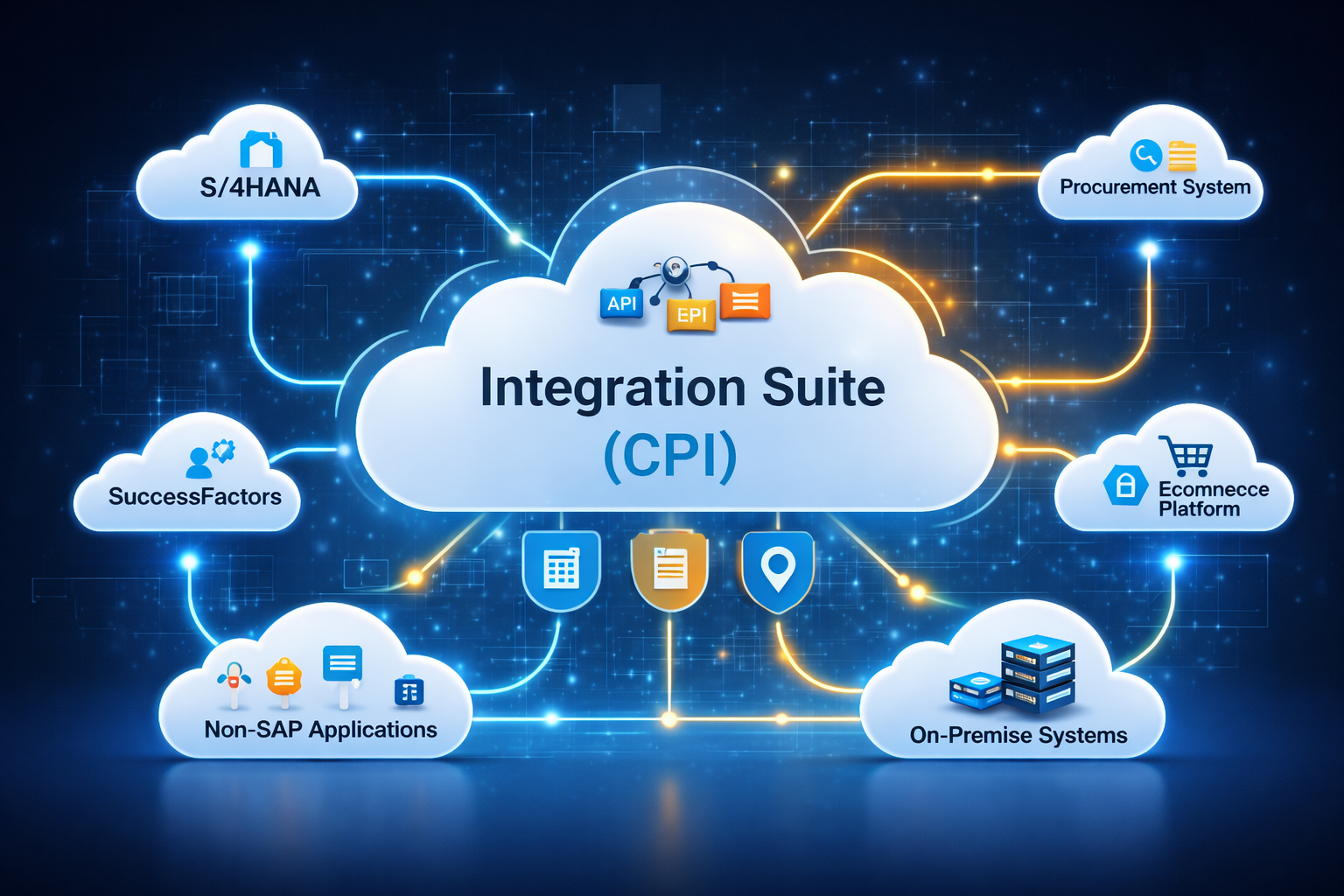
- SAP Integration Suite
- SAP AI services
- SAP S/4HANA
- SAP SuccessFactors
- SAP Ariba
This makes it more than just screen automation — it becomes enterprise automation.
👨💻 Who Should Learn SAP IRPA?
Ideal for:
- SAP Functional Consultants
- SAP Technical Consultants
- RPA Developers
- Business Process Analysts
- Automation Engineers
- SAP BTP Consultants
Especially valuable for consultants involved in digital transformation projects.
📈 Market Demand
As companies move toward:
- Intelligent enterprise
- Process automation
- Cost reduction
- Hyperautomation
SAP IRPA skills are increasingly valuable in SAP implementation and upgrade projects.
🎯 Career Scope
Roles include:
- SAP IRPA Developer
- SAP Automation Consultant
- SAP BTP Automation Specialist
- Intelligent Process Automation Architect
- Digital Transformation Consultant
🚀 SAP IRPA (Intelligent Robotic Process Automation) – Detailed Course Content
📘 Module 1 – Introduction to SAP IRPA
- Overview of Robotic Process Automation (RPA)
- Evolution of automation in SAP landscape
- What is SAP Intelligent RPA?
- SAP IRPA architecture overview
- SAP IRPA vs traditional RPA tools
- Use cases in Finance, HR, Supply Chain
- Intelligent enterprise and hyperautomation concepts
☁️ Module 2 – SAP IRPA Architecture & Components
- SAP IRPA components:
- Cloud Studio
- Desktop Agent
- Bot Store
- Control Tower (Monitoring)
- SAP BTP integration
- Attended vs Unattended bots
- Security architecture
- Bot lifecycle management
🛠 Module 3 – Environment Setup
- SAP BTP account setup
- Creating subaccounts
- Enabling SAP Intelligent RPA service
- Installing Desktop Agent
- Connecting agent to cloud tenant
- User roles and authorizations
Hands-on setup included.
💻 Module 4 – SAP IRPA Cloud Studio
- Overview of Cloud Studio interface
- Creating automation projects
- Understanding automation canvas
- Recording automation steps
- Activity packages
- Variables and data handling
- Control structures (if, loops, conditions)
Practical exercises on automation creation.
🤖 Module 5 – Bot Development
- Creating attended bots
- Creating unattended bots
- Working with:
- SAP GUI automation
- SAP Fiori automation
- Web application automation
- Desktop application automation
- Handling dynamic UI elements
- Managing pop-ups and alerts
- Exception handling strategies
🔄 Module 6 – Advanced Automation Concepts
- Reusable components
- Sub-automations
- Global variables
- Data manipulation techniques
- File handling (Excel, CSV, PDFs)
- Email automation
- API integration
🔐 Module 7 – Security & Governance
- Role-based access control
- Credential management
- Secure bot execution
- Audit logs
- Compliance considerations
- Enterprise governance model
📊 Module 8 – Monitoring & Bot Management
- Control Tower overview
- Bot scheduling
- Monitoring bot execution
- Error tracking and logs
- Performance optimization
- Version management
🔗 Module 9 – Integration with SAP & External Systems
- Integration with SAP S/4HANA
- SAP GUI scripting
- SAP Fiori integration
- API consumption
- Integration with SAP Workflow
- Triggering automation from events
🧠 Module 10 – Intelligent Automation (AI Integration)
- Introduction to intelligent automation
- Using AI services in automation
- OCR integration
- Document extraction
- Data validation automation
- Combining RPA with workflow automation
🧪 Module 11 – Testing & Debugging
- Debugging automation flows
- Logging best practices
- Error handling techniques
- Retry logic
- Bot simulation testing
- Performance tuning
🧩 Module 12 – Real-Time End-to-End Projects
Participants will build:
Project 1: Invoice Processing Automation
- Extract invoice data
- Validate vendor details
- Post data in SAP system
- Send confirmation email
Project 2: Employee Onboarding Automation
- Create employee record
- Trigger workflow
- Send onboarding documents
- Update system entries
Project 3: Purchase Order Automation
- Data validation
- Automated entry in SAP GUI
- Report generation
📈 Module 13 – Best Practices & Implementation Strategy
- Automation feasibility analysis
- ROI calculation
- Bot design principles
- Performance optimization
- Enterprise rollout strategy
- Documentation standards
🎯 Who Should Attend?
- SAP Functional Consultants
- SAP Technical Consultants
- RPA Developers
- Business Process Analysts
- Automation Engineers
- IT Support Teams